I’m a huge Fallout fan, and Fallout London is one of the most impressive mods I’ve seen in years: a full DLC-sized expansion set in post-apocalyptic London, made by a community team. Running it on Bazzite (my gaming OS of choice) wasn’t completely straightforward, so here’s what actually worked for me. Consider this a note to future me, but hopefully it saves someone else an afternoon of trial and error.
What you’ll need
- Bazzite installed on your machine
- Heroic Games Launcher
- Fallout 4 (the mod requires it as a base)
- The “Fallout London One Click Mod” (available through Heroic)
The steps
1. Install Heroic Games Launcher
If you don’t have it yet, install Heroic from the Bazzite app store or via Flatpak. It’s a fantastic open-source launcher that handles GOG, Epic, and Amazon games, and it plays very nicely with Proton.
After you install it, login with your GOG account
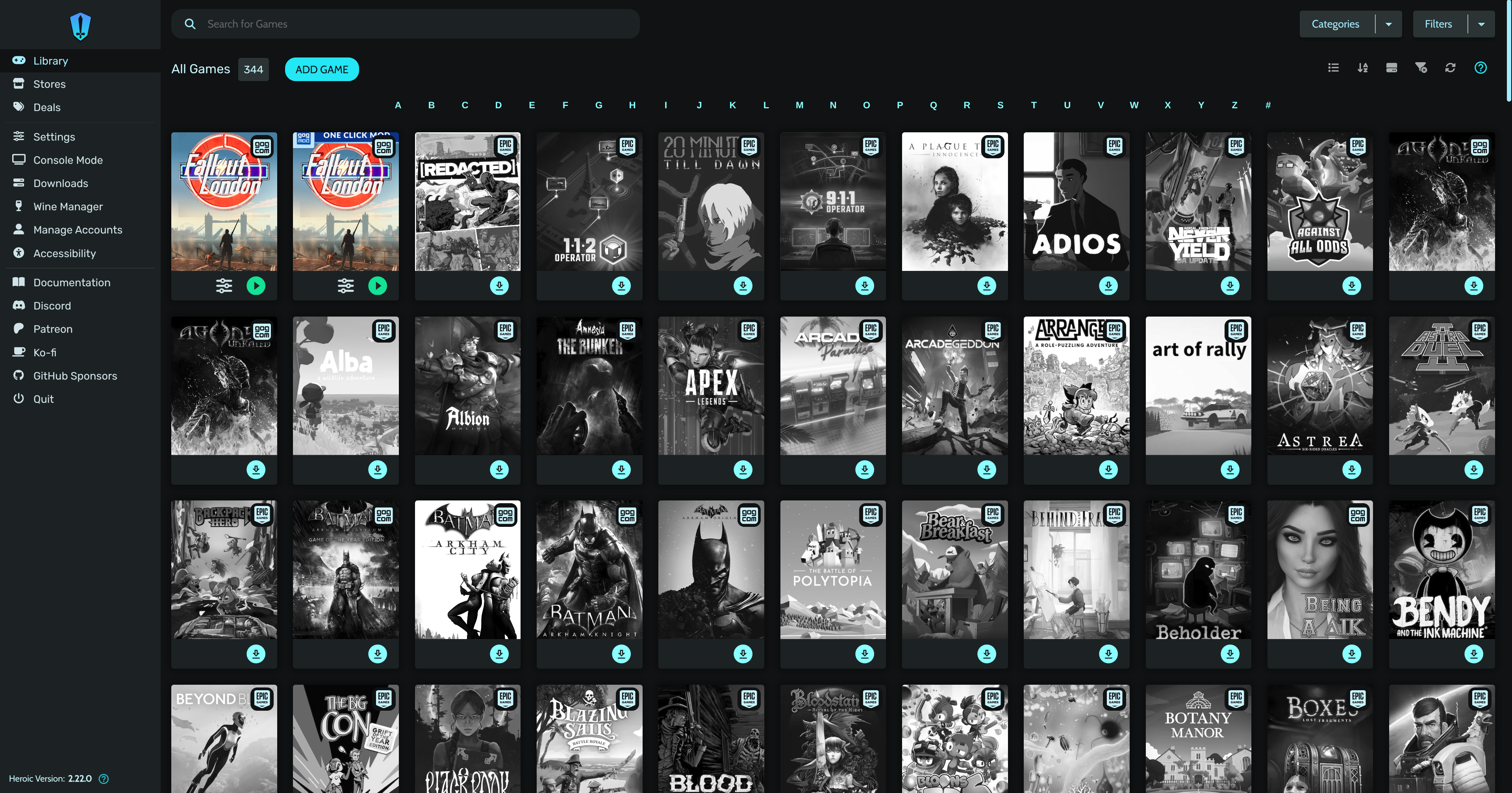
2. Install the Fallout London One Click Mod
Search for “Fallout London” in Heroic and install the One Click Mod version. This bundles everything together so you don’t have to manually manage mod files. Let it do its thing.
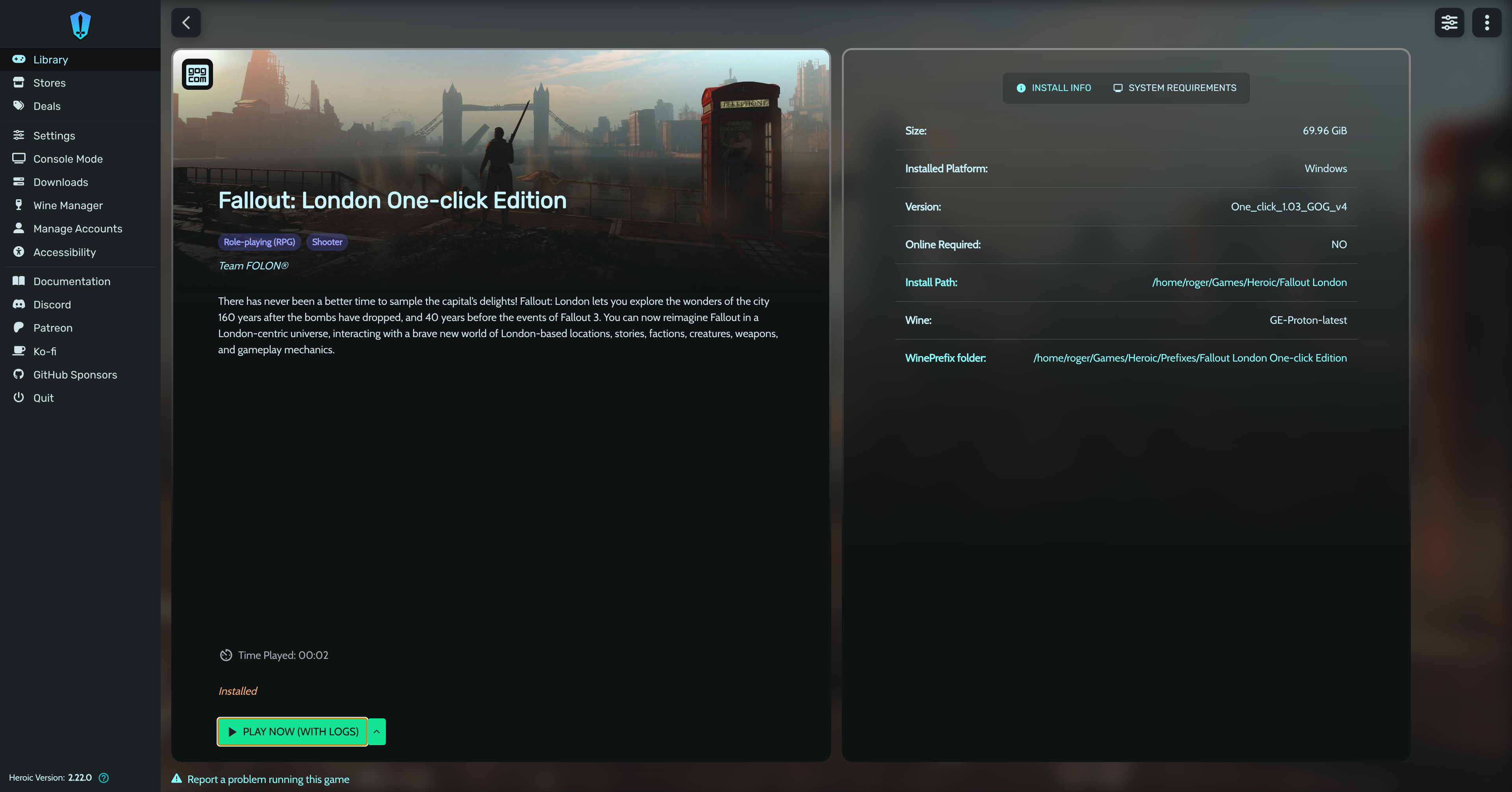
3. Disable UMU (yes, it needs to be disabled)
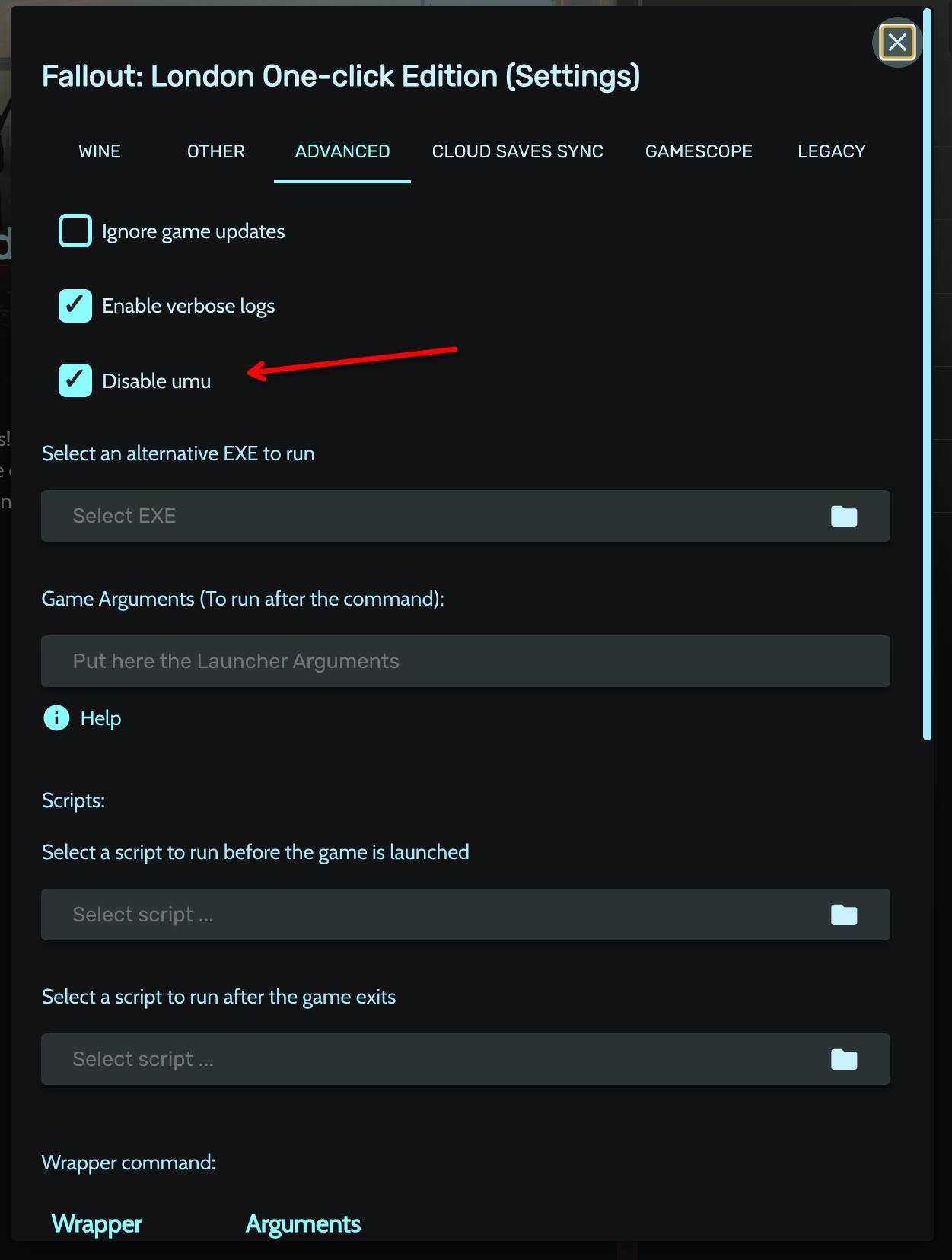
This is the counterintuitive part. Once the mod is installed, go to its settings in Heroic, then the Advanced tab. You’ll see an option called “Disable UMU”. Enable it (meaning: check the checkbox to disable UMU). I know, “enable the disable” is a confusing way to phrase it, but that’s what it says.
Without this, the game won’t launch correctly on Bazzite.
4. Run it once in Desktop Mode
Before adding it to Steam, launch the game once directly from Heroic while you’re in Desktop Mode. This lets everything install and configure properly: shaders, redistributables, the works. Wait until you’re actually in the game and confirmed it runs without issues, then close it.
5. Add to Steam
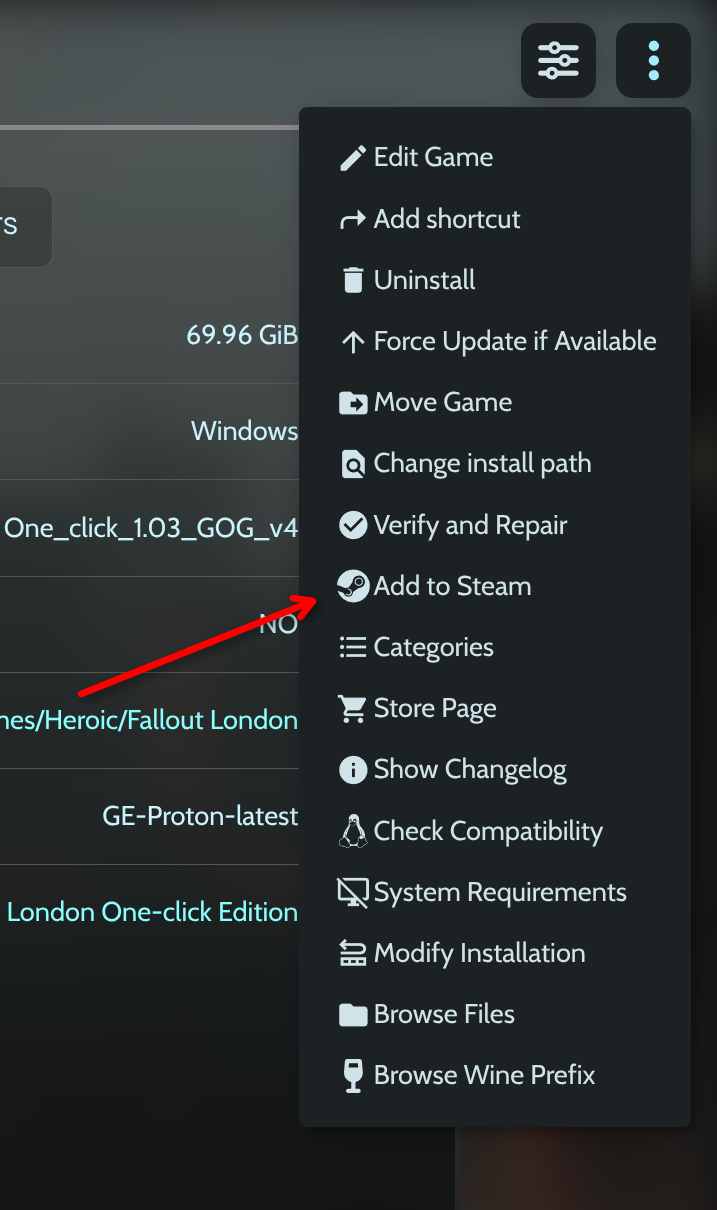
Click the three-dot menu on the game in Heroic and select “Add to Steam”. From this point on you can launch it from Game Mode like any other game in your library.
Play!
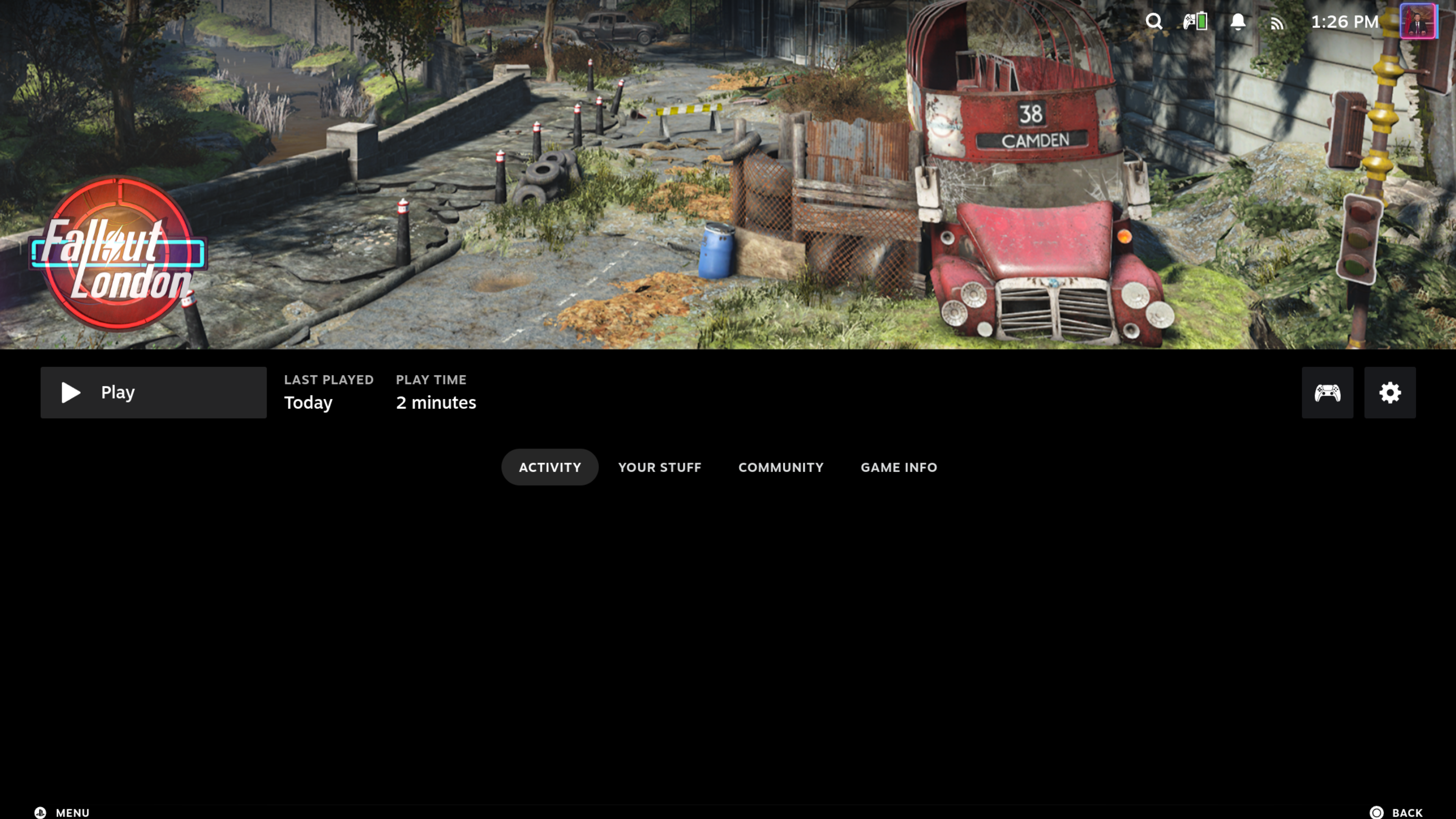
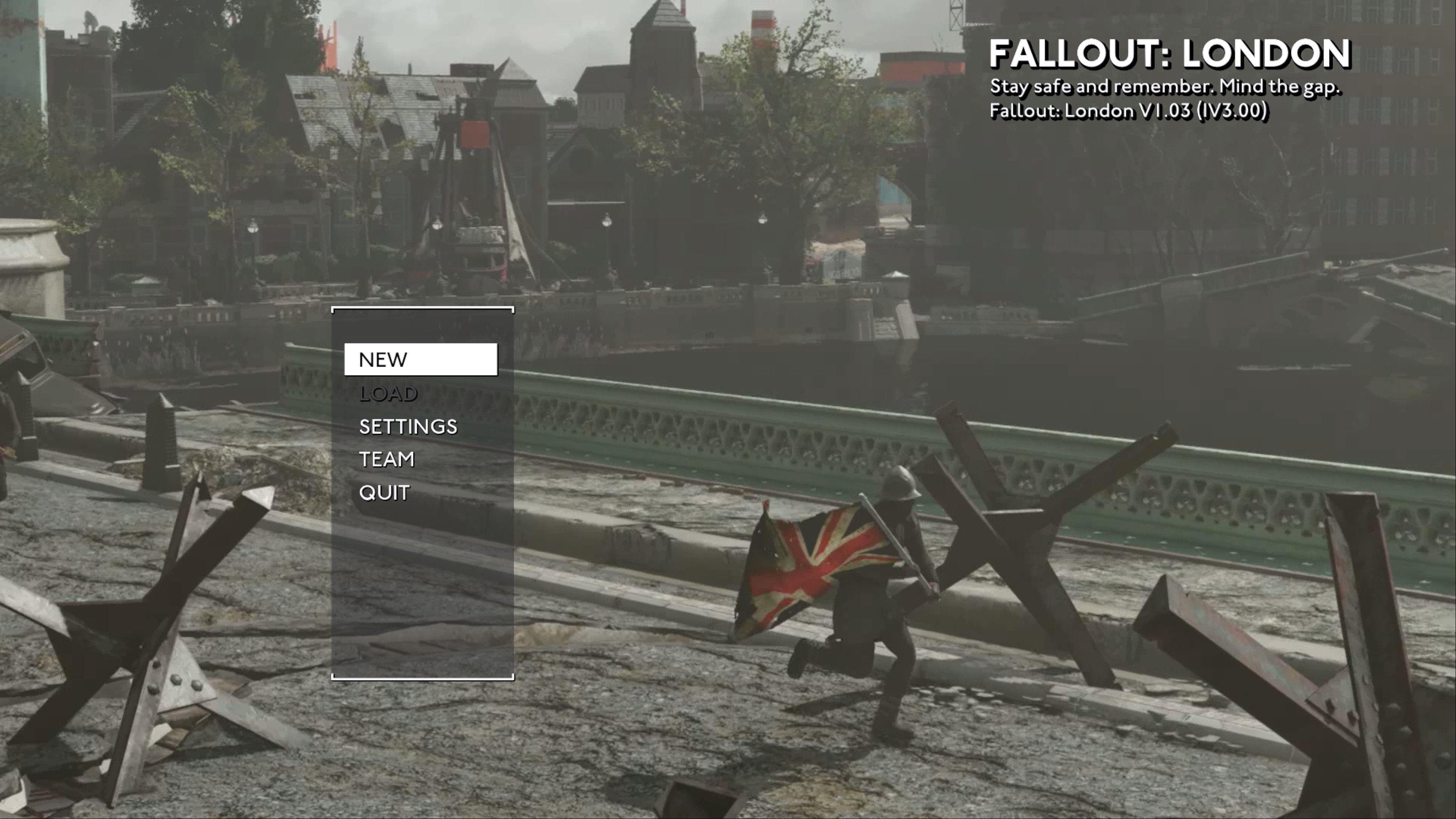
That’s it. Boot into Game Mode, find Fallout London in your library, and enjoy one of the best Fallout experiences made outside of Bethesda.
See you in the next one!